> ## Documentation Index
> Fetch the complete documentation index at: https://developer.uphold.com/llms.txt
> Use this file to discover all available pages before exploring further.
# Set up your Uphold Enterprise account
> Register your organization in the Enterprise Portal to access the Sandbox and Production environments, manage credentials, and start integrating the APIs.
Before you can interact with the Enterprise API Suite, you must onboard through the [**Enterprise Portal.**](https://portal.enterprise.uphold.com/)
The Enterprise Portal is your central mission control to manage the **Sandbox** and **Production** environments.
Navigate to the [Enterprise Portal](https://portal.enterprise.uphold.com/register).
Fill in your company details and set your administrator credentials.
Once logged in, you have immediate access to the **Sandbox environment**.
This is a fully isolated testing ground that mirrors Production behavior but uses test funds and data, allowing you to validate your integration safely.
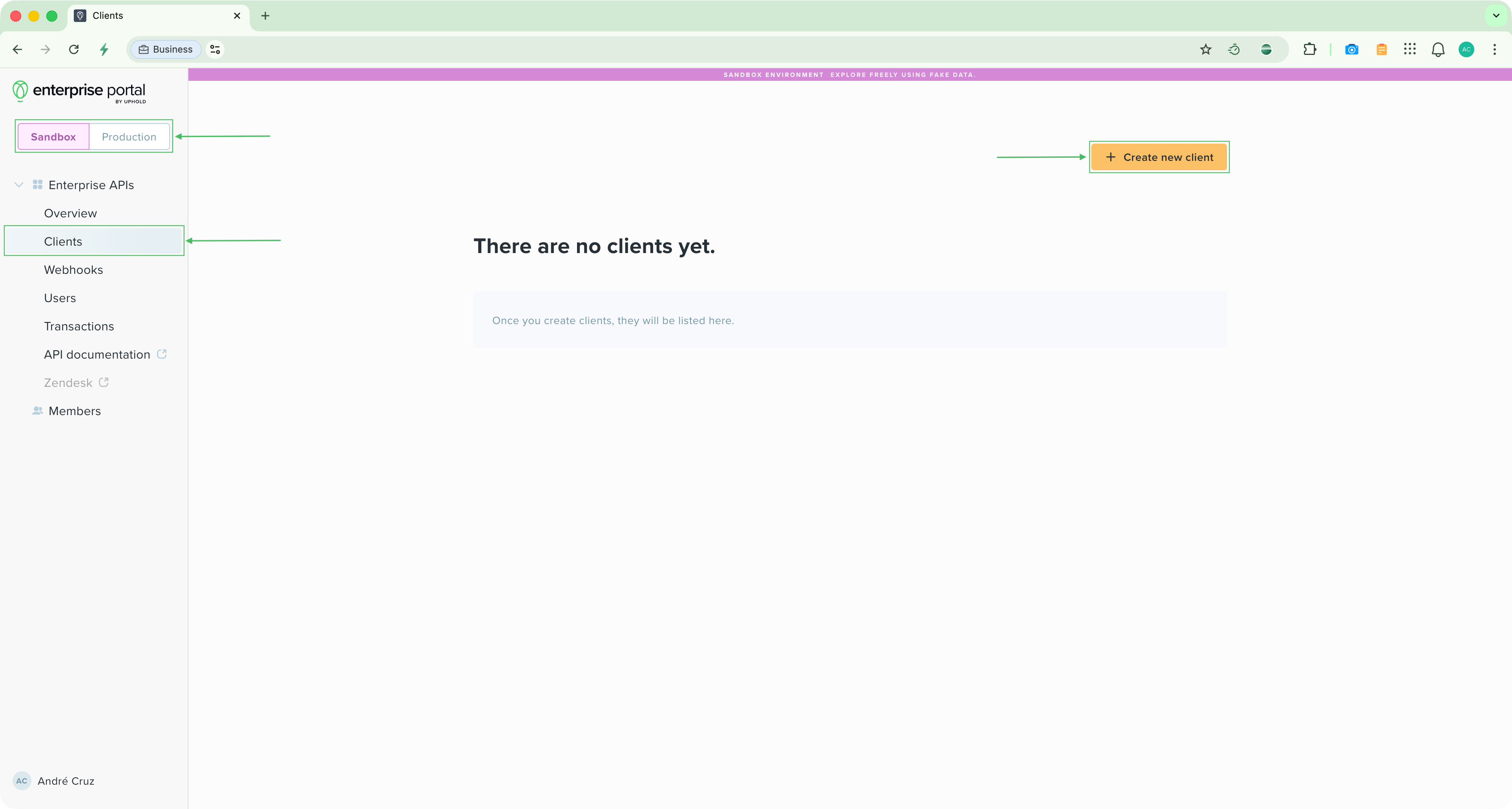
In the portal sidebar, navigate to **Clients** and click **Create new client**.
Give your client a name (e.g., "Development App") and select the **Scopes** (permissions) your application needs.
 Click **Generate client secret** to create your `Client ID` and `Client Secret`.
Your credentials are ready. Now make your first API call using the Postman collection or cURL.
Click **Generate client secret** to create your `Client ID` and `Client Secret`.
Your credentials are ready. Now make your first API call using the Postman collection or cURL.