

1
Fork the workspace
Open the Enterprise API Postman workspace and fork the collection to your own Postman account.Forking gives you a personal copy you can edit freely, and lets you pull upstream updates as the collection evolves.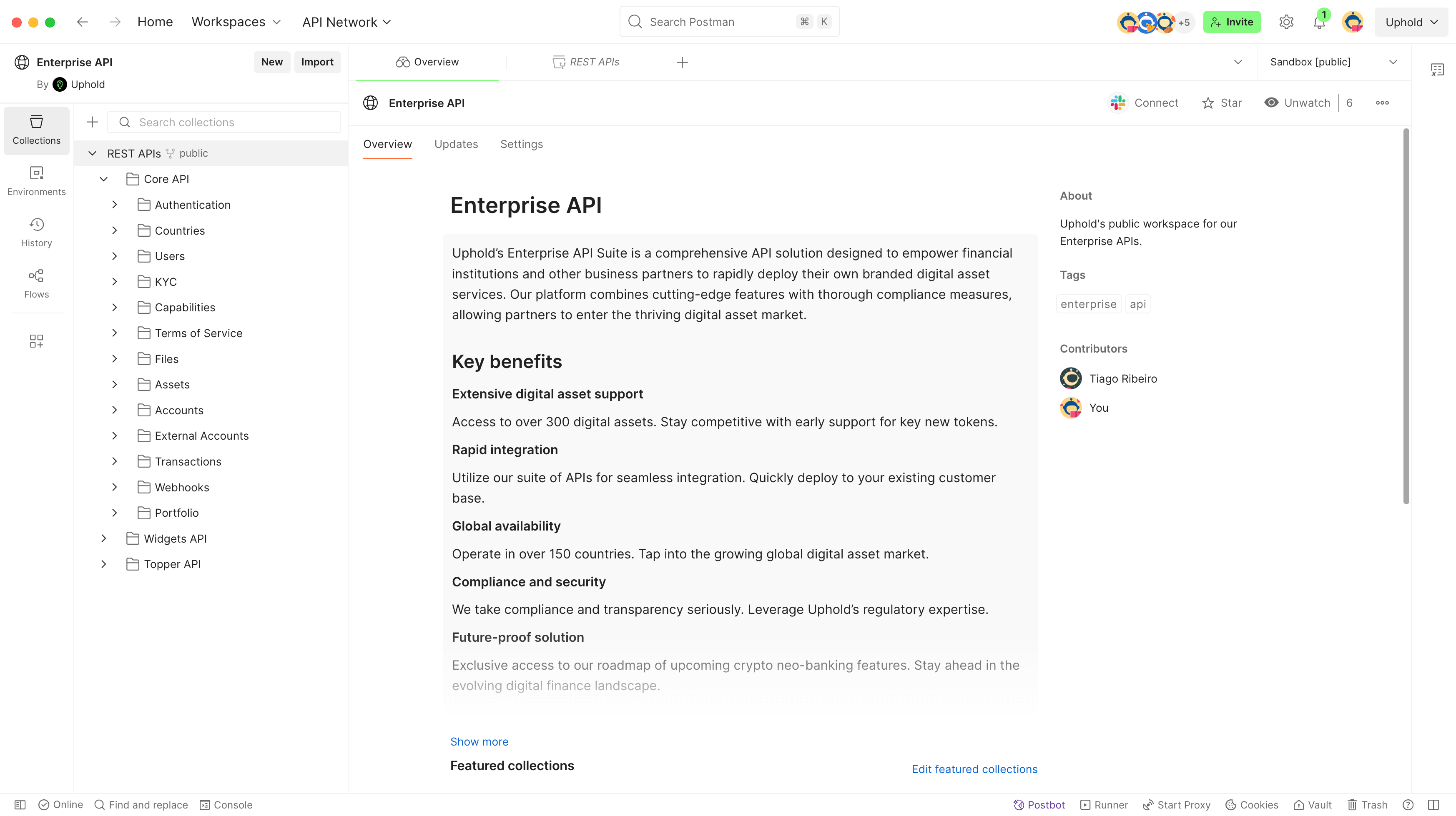
2
Select an environment
In the top-right corner of Postman, open the environment selector and choose the environment you want to target:
- Sandbox — isolated testing environment with test funds and data. Recommended for development.
- Production — live environment.
3
Set your credentials
Click the Variables icon next to the environment selector to open the variables drawer and set the following: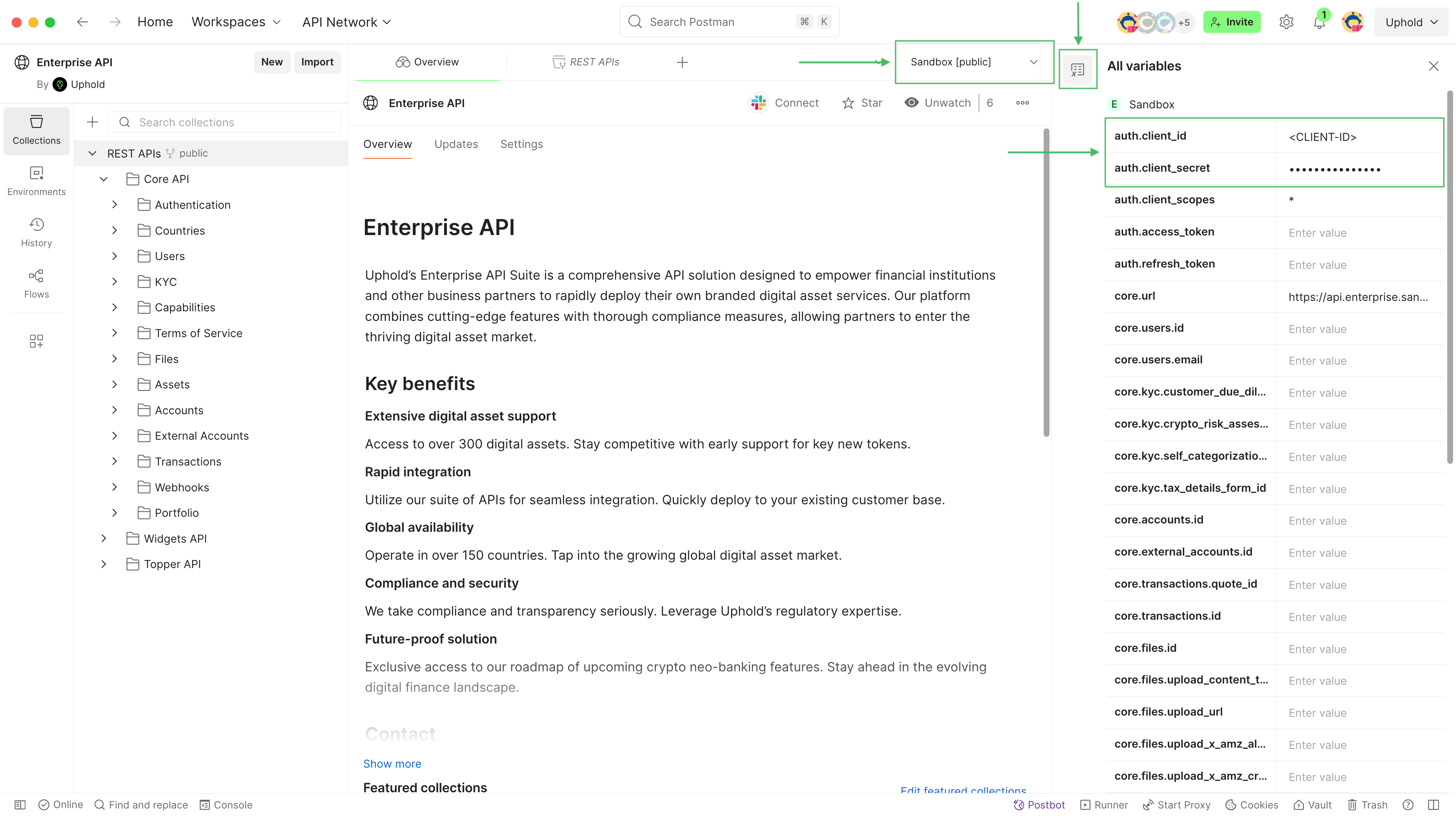
4
Make your first API call
Lift off!Start with the Authentication token request. It exchanges your client credentials for an access token.Once you send it, the collection scripts automatically store the token in the
auth.access_token variable — subsequent requests will use it without any manual steps. The same applies throughout the collection: resource IDs (e.g. core.user.id, core.account.id, core.transaction.id) are captured after create/fetch operations and reused in follow-up requests automatically.This means you can work through a full flow — authenticate, create a user, create a quote, execute a transaction — by running requests in sequence without manually copying values between them.