

1
Register your organization
Navigate to the Enterprise Portal.Fill in your company details and set your administrator credentials.
2
Access the Sandbox
Once logged in, you have immediate access to the Sandbox environment.This is a fully isolated testing ground that mirrors Production behavior but uses test funds and data, allowing you to validate your integration safely.
3
Create an API Client
In the portal sidebar, navigate to Clients and click Create new client.Give your client a name (e.g., “Development App”) and select the Scopes (permissions) your application needs.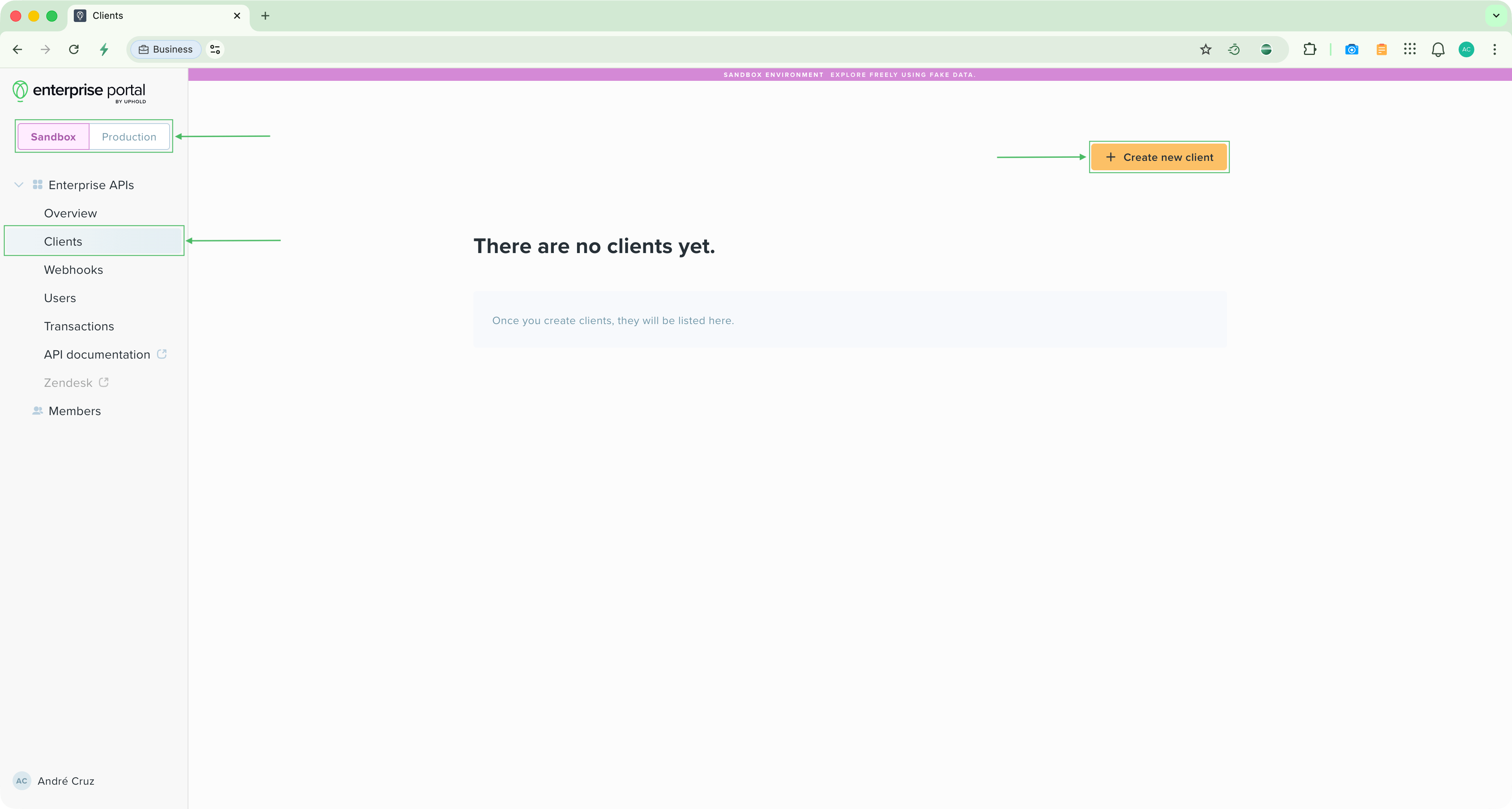
4
Generate Credentials
Click Generate client secret to create your
Client ID and Client Secret.Make your first API call
Your credentials are ready. Now make your first API call using the Postman collection or cURL.